Video Repurposing Playbook: How Creators and Founders 10x Content in 2026
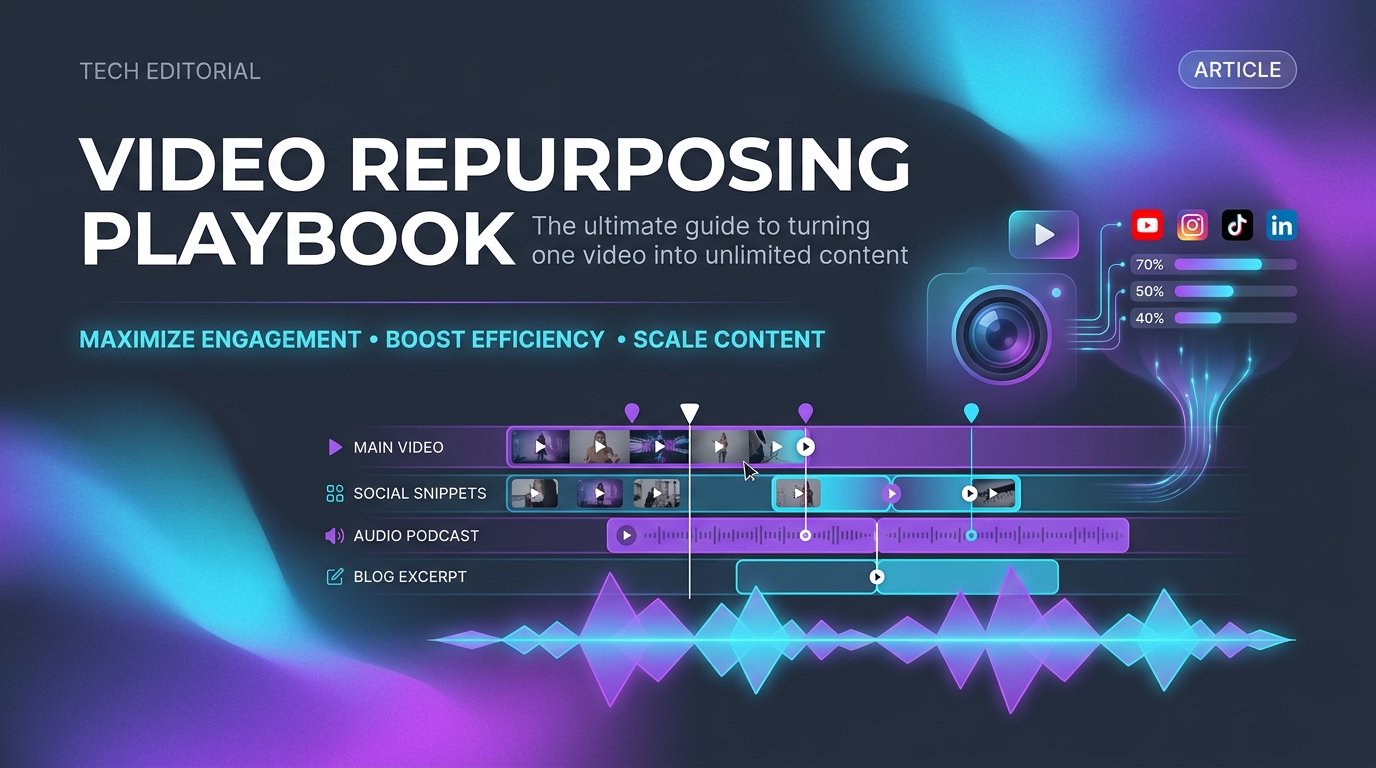
Short-form video dominates modern digital distribution. Whether you are bootstrapping an early-stage SaaS, building an audience as a creator, or scaling an e-commerce brand, creating unique, original video content for every individual social channel from scratch is unsustainable. If you are already working on promoting your startup with no budget, video repurposing is the highest-leverage skill you can develop.
Top growth marketers and solo founders do not make ten videos a day. Instead, they produce one foundational piece of high-value media and systematically repurpose it into vertical shorts, visual hooks, carousel slides, and newsletter lessons across multiple platforms.
In this comprehensive guide, we will break down the exact step-by-step content repurposing engine used by top tech builders in 2026, including the essential free browser-based tools required to extract, optimize, and distribute video assets without expensive subscriptions.
The Foundational Pillars of Video Repurposing
A successful repurposing system relies on turning "heavy" assets (like 30-minute podcast recordings, screen-share product demos, or keynote presentations) into bite-sized "light" assets tailored for high-velocity feeds.
Here is how the hierarchy works in practice:
- Core Pillar (1x per week): A 10-to-20 minute product walkthrough, deep-dive founder interview, or customer tutorial.
- Micro-Clips (5–8x per week): 15-to-45 second punchy insights reformatted in vertical 9:16 aspect ratio for TikTok, YouTube Shorts, and Instagram Reels.
- Visual Stills & Inspiration (3–5x per week): High-resolution infographics, step-by-step pin boards, and visual carousels.
- Written Summaries (2x per week): Key takeaways published as LinkedIn carousels or X/Twitter threads with embedded video clips.
1. Repurposing Asynchronous Demos & Screencasts with Loom
For SaaS founders and product managers, some of your highest-converting content already sits in your daily communication: quick 2-minute Loom recordings sent to customers, bug explanations, and feature walk-throughs recorded for early beta testers.
These authentic, unscripted demonstrations often outperform polished studio advertisements because they show real software solving real problems.
To convert an internal Loom screen-recording into a public marketing asset without watermarks or recording lags, use a dedicated Loom Video Downloader. This browser utility allows you to fetch the source 1080p MP4 directly from any public or shared Loom URL in seconds.
How to Turn a Loom Demo into a Viral Product Post:
- Trim the intro: Cut the first 5 seconds of pleasantries; start immediately at the "aha!" moment when your software solves the pain point.
- Add auto-captions: Over 75% of social users scroll with audio muted. Adding clear, high-contrast subtitles ensures full comprehension.
- Frame for mobile: Crop your browser screencast to 9:16 or place it in a branded mock-up container with a strong headline above the video.
2. Curating Visual & Lifestyle Trends via Pinterest
While many marketers view Pinterest as an image-only mood board, it has evolved into a powerhouse for video discovery—particularly for design inspiration, software workflow aesthetics, UI kits, and creative DIY tutorials.
Studying what performs well on Pinterest provides a goldmine of creative inspiration for your startup’s visual identity and social hooks. When you need to study top-performing video pins, archive high-converting motion graphics, or extract B-roll elements for your content library, utilizing a free Pinterest Video Downloader lets you save high-definition MP4 clips directly to your local workspace without quality compression.
Best Practices for Pinterest Video Repurposing:
- Focus on problem-solving hooks: Pins that answer "How to [achieve goal] in 3 steps" generate the highest save and repin rates.
- Target evergreen searches: Unlike X or TikTok feeds where content expires within 48 hours, Pinterest video pins index on search engines and deliver referral traffic for months.
- Use high-contrast text overlays: Clear typography helps your pins stand out in high-density visual grids.
3. Optimizing for Instagram Reels & TikTok Safe Zones
One of the most frequent mistakes creators make when cross-posting vertical videos is ignoring user interface safe zones. A brilliant call-to-action or key subtitle placed too low will be hidden behind Instagram's caption text, while elements placed on the right edge collide with the like and share buttons.
When preparing short-form videos for distribution, follow these technical specifications:
| Platform | Ideal Aspect Ratio | Max Resolution | Key Safe Zone Margins |
|---|---|---|---|
| Instagram Reels | 9:16 (Vertical) | 1080 x 1920 px | Keep text 220px from bottom and 110px from top |
| TikTok | 9:16 (Vertical) | 1080 x 1920 px | Keep text 300px from bottom (above username/sound) |
| YouTube Shorts | 9:16 (Vertical) | 1080 x 1920 px | Avoid top-right header and bottom title bar |
| LinkedIn / X | 1:1 or 4:5 | 1080 x 1350 px | Centered framing with bold header banner |
For quick downloads and safe-zone checking across platforms, you can also explore community tools like HD Reels Downloader on Launchory to preview mobile overlay safety before publishing.
4. Track Traffic with Dedicated UTM Links
Never cross-post your videos without tracking which platform actually generates signups and customers. As noted in our guide on how to get your first 100 users, understanding exact conversion attribution is what separates founders who scale from those who spin their wheels.
Before launching a repurposed video campaign, use a free UTM Link Builder to generate platform-specific URLs (e.g., ?utm_source=pinterest&utm_medium=short_video&utm_campaign=product_demo). Also, explore other free tools for indie hackers to keep your overhead at zero while scaling distribution.
5. The Weekly 5-Hour Repurposing Workflow
To keep your marketing consistent without burning out, schedule your repurposing into a predictable weekly batch:
- Monday (60 mins): Record one 15-minute core video (Loom demo, podcast interview, or screen share).
- Tuesday (90 mins): Extract 5 micro-clips; download key visual inspiration using dedicated tools; generate captions and subtitles.
- Wednesday (60 mins): Format clips for 9:16 safe zones and schedule to Instagram Reels, TikTok, and YouTube Shorts.
- Thursday (60 mins): Write accompanying text summaries, tweet threads, and Pinterest pins linking back to your main site.
- Friday (30 mins): Review analytics, engage with comments across all channels, and identify top-performing hooks for next week.
Frequently Asked Questions
What is content repurposing in digital marketing?
Content repurposing is the process of taking one primary piece of content (such as a long video, podcast, or blog post) and adapting its core message into various formats—including vertical micro-videos, social media carousels, infographics, and email newsletters—to maximize audience reach with minimal extra effort.
Can I download Loom videos without an account?
Yes. If a Loom recording has public or link-shared access, you can download the original 1080p MP4 file using an online Loom video downloader directly in your browser without requiring a paid Loom subscription.
How do I download high-definition Pinterest videos?
You can copy the link of any public Pinterest pin and paste it into a dedicated Pinterest video downloader tool. The downloader extracts the direct CDN video stream and allows you to save the unmodified MP4 file directly to your computer or smartphone.
Why do video safe zones matter on short-form platforms?
Short-form video apps like Instagram Reels and TikTok place profile names, descriptions, like buttons, and sound titles directly over the video frame. Ensuring your subtitles, logos, and critical visuals sit within safe zones prevents them from being covered by native platform UI buttons.
How many times should I repurpose a single video?
A good rule of thumb is the 1-to-5 ratio: from one comprehensive 10-minute video, you can comfortably create 3 to 5 vertical short clips, 1 visual carousel, and 1 detailed text breakdown without repeating yourself.
Related guides
- How to Get Your First 100 Users Without Paid Ads (2026 Guide)A practical, zero-budget distribution playbook for early-stage founders: directory launches, community leverage, and organic search engine discovery.Read guide
- Best Directories for SaaS Backlinks (2026)9 directories worth submitting a SaaS product to, ranked honestly by whether their links actually pass equity or just send traffic.Read guide
- Domain Rating vs Domain Authority: What Each One Actually MeasuresDR is Ahrefs’ score. DA is Moz’s. Google uses neither. Here is what each one measures, why they routinely disagree, and the single input that moves both.Read guide
- How to Split Equity Between Co-FoundersA fair co-founder equity split comes from scoring five factors - idea, capital, commitment, risk and execution - not from defaulting to 50/50. Here is how to run that conversation once and settle it properly.Read guide
Building a startup?
Submit it on Launchory — instant approval in under 10 minutes, permanent product website links from our DR 50+ domain, and structured product information.
Rank with $10 →